
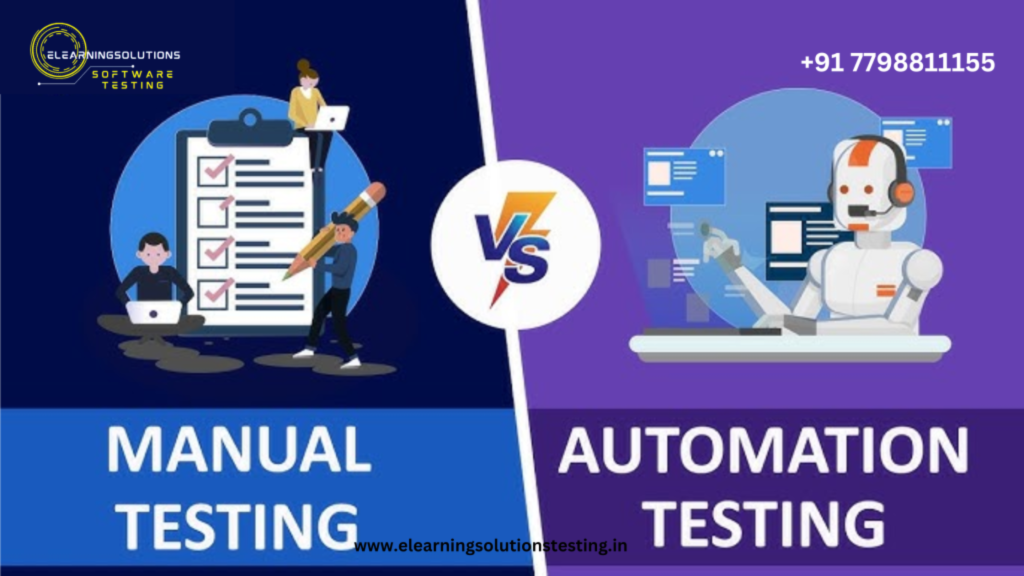
As eLearning platforms become more dynamic and user-driven, ensuring their quality and performance is non-negotiable. But when it comes to testing — should your team rely on manual testing, invest in automated scripts, or balance both? The answer lies in understanding the strengths and limits of each approach, especially in the unique context of eLearning.
Understanding the eLearning Testing Landscape
eLearning platforms involve a blend of content delivery, real-time assessments, multimedia elements, and learner analytics. This complexity demands both precision and empathy in testing.
- Manual Testing is executed by human testers who interact with the application just like end users.
- Automated Testing uses scripts and tools to run pre-written tests automatically, usually faster and repeatedly.
Each has its place — but their roles differ depending on the testing objective.
Strengths of Manual Testing in eLearning
- Human-Centered Usability Checks
Manual testing is ideal for evaluating the user experience, interface clarity, and accessibility. These factors are critical when your users range from young students to working professionals. - Quick Adaptation to Frequent Content Changes
Instructors and admins often update course content, which can break automated test scripts. Manual testing handles these changes more flexibly. - Effective for Exploratory and Ad-Hoc Testing
New features or modules may require intuitive judgment and exploratory feedback — something only a human can offer effectively. - Better Visual and Audio Content Validation
Videos, animations, and interactive exercises are best judged by real testers for quality, sync issues, and engagement.
Strengths of Automated Testing in eLearning
- Speed and Efficiency
Automated testing can quickly verify login workflows, enrollments, and dashboard loads across thousands of user accounts. - Regression Testing
With every platform update, existing functionality must be re-verified. Automation saves hours when running large test suites. - Consistency
Automated scripts don’t overlook steps or vary execution — they’re reliable for repetitive tasks like data entry validation or report generation. - Load and Performance Testing
Automated tools are crucial for simulating thousands of learners accessing the platform simultaneously, ensuring scalability.
When to Choose Manual Testing in eLearning
- When testing new features or UI components
- When performing usability testing or accessibility evaluations
- For short-term projects where automation setup isn’t cost-effective
- For validating multimedia content (videos, audio, PDF visibility)
When to Choose Automated Testing in eLearning
- For regression testing in stable areas of the LMS
- When running multiple browser/device compatibility checks
- To simulate heavy usage/load testing
- When verifying form validations, login flows, or enrollment rules
Striking the Right Balance
The winning strategy in eLearning QA is not choosing one over the other, but knowing when and how to use each:
- Start with manual testing to understand the workflow and user behavior.
- Automate the repetitive, stable, and high-volume tests.
- Maintain a hybrid testing strategy that scales with your platform’s growth.
Conclusion
In the world of eLearning, the competition isn’t between manual and automated testing — it’s about collaboration. Manual testing brings human insight and empathy; automation brings speed and accuracy. Together, they ensure your learners receive a reliable and enriching educational experience.
The Art of Software Testing: Beyond the Basics
Automation testing course in Pune
Automation testing in selenium
Mastering Software Testing: A Comprehensive Syllabus
Frequently Asked Questions
What is the main difference between manual and automated testing in eLearning?
Manual testing involves human testers evaluating the eLearning course, while automated testing uses software to perform the testing. Automated testing is generally faster and more efficient, but manual testing can provide more in-depth feedback. This difference is crucial in determining which method to use for your eLearning project.
When should I use manual testing in my eLearning course development?
Manual testing is recommended for new or complex eLearning courses, as it allows for a more thorough evaluation of the content and user experience. It is also useful for testing courses that require a high level of human judgment or critical thinking. In these cases, manual testing can help identify issues that automated testing may miss.
Can automated testing replace human testers entirely in eLearning course development?
While automated testing can significantly reduce the need for human testers, it is unlikely to replace them entirely. Automated testing is best used for repetitive and mundane tasks, such as testing multiple choice questions or basic functionality, while human testers are needed for more complex and nuanced evaluations. A combination of both methods is often the most effective approach.
How can I get started with automated testing for my eLearning course?
To get started with automated testing, you will need to select an automated testing tool that meets your needs and budget. Many eLearning authoring tools and learning management systems offer built-in automated testing features, or you can choose a third-party tool. Once you have selected a tool, you can begin creating test scripts and running automated tests to evaluate your eLearning course.
What are the cost benefits of using automated testing in eLearning course development?
Automated testing can significantly reduce the time and cost associated with testing eLearning courses, as it can run tests quickly and repeatedly without the need for human intervention. This can result in cost savings and faster time-to-market for your eLearning course, as well as improved quality and reliability. Additionally, automated testing can help reduce the risk of human error and minimize the need for rework.


