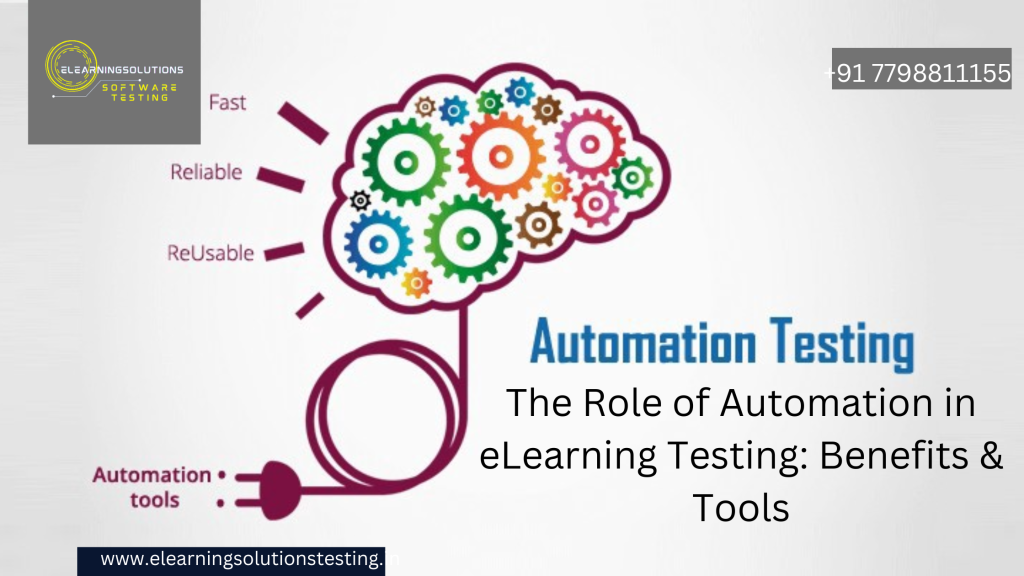
As eLearning platforms evolve, ensuring their functionality, performance, and accessibility through rigorous testing is crucial. Manual testing can be time-consuming and prone to human errors, making automation an essential component of eLearning testing. This blog explores the role of automation in eLearning testing, its benefits, and the best tools to use.
Why Automation is Essential for eLearning Testing
Automating eLearning testing streamlines repetitive tasks, increases accuracy, and enhances test coverage. It helps identify issues early, ensuring a seamless learning experience for users.
Key Benefits of Automation in eLearning Testing
1. Faster Testing & Reduced Time to Market
Automated test scripts can execute test cases much faster than manual testing, reducing the overall testing cycle and enabling quicker deployment.
2. Improved Accuracy & Consistency
Automated testing eliminates human errors, ensuring consistent results across multiple test executions.
3. Enhanced Test Coverage
Automation allows for comprehensive testing, including UI/UX validation, cross-browser testing, and API testing, ensuring all aspects of the eLearning platform function correctly.
4. Cost Savings in the Long Run
While automation requires an initial investment, it significantly reduces costs associated with repetitive manual testing and bug fixes.
5. Regression Testing Made Easy
Updates and feature enhancements can break existing functionality. Automated regression testing ensures that new changes do not affect previously working features.
6. Scalability & Load Testing
Automation tools can simulate thousands of users accessing the platform simultaneously, helping to identify performance bottlenecks.
7. Better Compliance & Accessibility Testing
Automated tools help verify adherence to standards like SCORM, xAPI, WCAG, and ADA, ensuring accessibility and interoperability.
Best Automation Tools for eLearning Testing
1. Selenium
- Best for: Functional and regression testing
- Features: Cross-browser testing, integration with CI/CD pipelines
- Ideal for testing user interactions like navigation, quizzes, and multimedia playback
2. TestNG
- Best for: Automated test management and execution
- Features: Parallel execution, reporting, and integration with Selenium
3. JMeter
- Best for: Performance and load testing
- Features: Simulates multiple users to check system scalability
4. Cypress
- Best for: End-to-end testing of eLearning web applications
- Features: Fast execution, real-time debugging, and automatic waiting
5. Axe Accessibility Testing Tool
- Best for: Automated accessibility testing
- Features: Identifies WCAG compliance issues, integrates with Selenium and Cypress
6. SCORM Cloud
- Best for: SCORM and xAPI compliance testing
- Features: Validates course tracking, progress reporting, and LMS compatibility
7. Applitools
- Best for: Visual regression testing
- Features: AI-powered UI verification to check layout consistency across devices
Best Practices for Implementing Test Automation in eLearning
- Define clear test cases before automating.
- Prioritize frequently used and high-risk features.
- Use a combination of manual and automated testing for best results.
- Regularly update and maintain test scripts.
- Integrate automation with CI/CD pipelines for continuous testing.
Conclusion
Automation plays a vital role in eLearning testing, ensuring faster, more efficient, and error-free evaluations. By leveraging the right automation tools, eLearning providers can enhance platform quality, improve user experience, and stay ahead in the competitive digital learning landscape.
YOU MAY BE INTERESTED IN
The Art of Software Testing: Beyond the Basics
Automation testing course in Pune